How Blik works, start to finish

Three people take part in a review round. Each sees a different part of it. Pick one and follow the round through their eyes.

  • Admin: The person who runs Blik. Often HR or the team manager.
  • Reviewee: The person who gets feedback.
  • Reviewers: Peers, the manager and direct reports who give feedback.

Who sees what, step by step

Blik never shows which person gave which answer. Not to the reviewee, and not to the admin.

Step AdminRevieweeReviewers
1Sign up Your own account. Nothing else exists yet. Nothing Nothing
2Set up your account and questionnaires All settings and all questionnaires. Nothing Nothing
3Add your people The list of reviewees and colleagues. Nothing Nothing
4Start a review round Which invited emails have finished, and how many are open. An email that the round has started. An email with their private link.
5The reviewee gets an email If the self-assessment is done. Their own questions and answers. A count of finished reviews. Nothing
6Reviewers answer on their phone That an invited email has finished. Nothing Only their own answers.
7The report The full report, grouped the same way. Their own report, through a private link. Answers are grouped: self, manager, peers, direct reports. Nothing
8The manager view All reports in the organisation, and the gap per person. Only their own report. Nothing
Part 1 of 3

You set it up

Admin

Step 1 of 8

Sign up

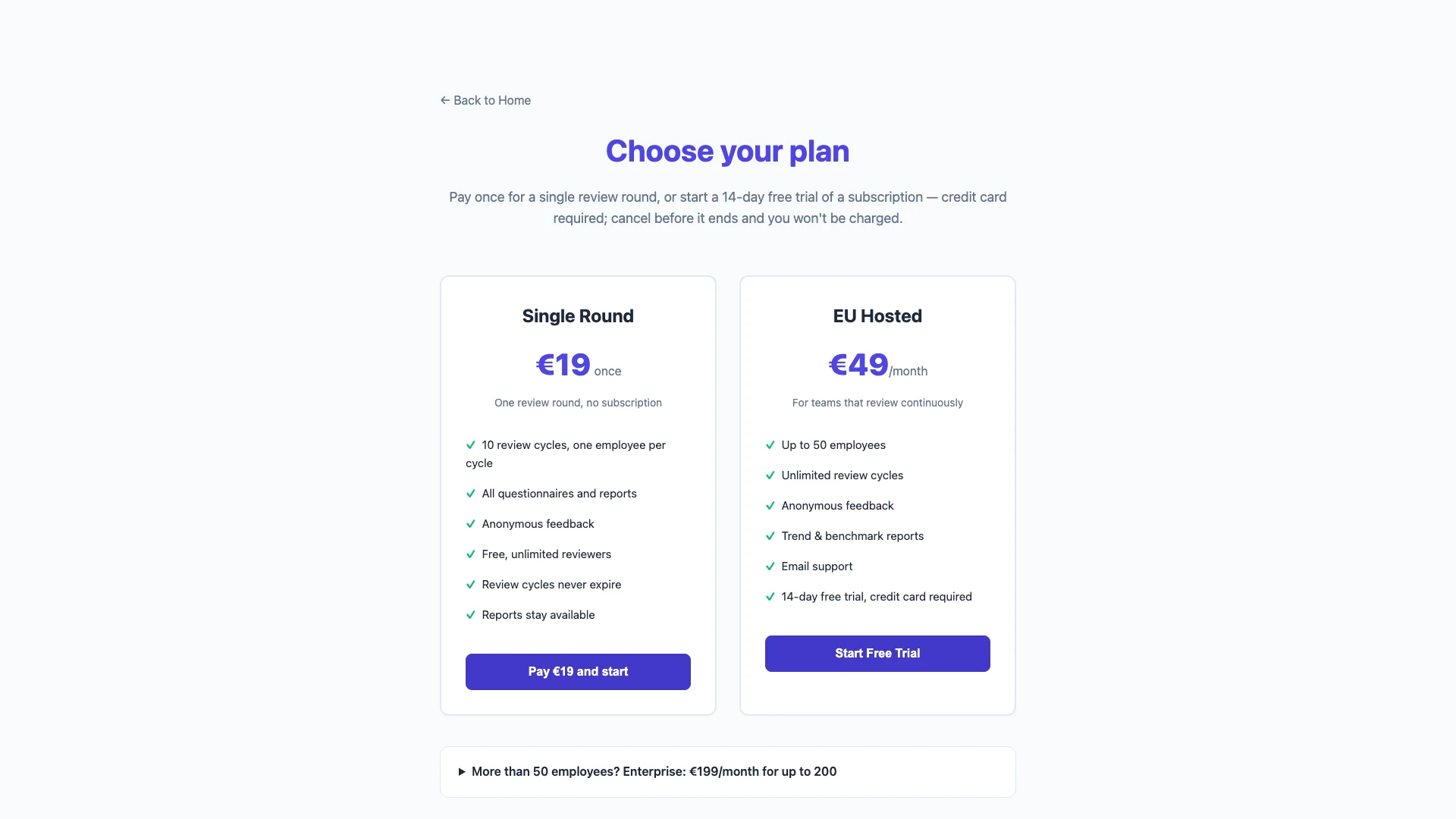
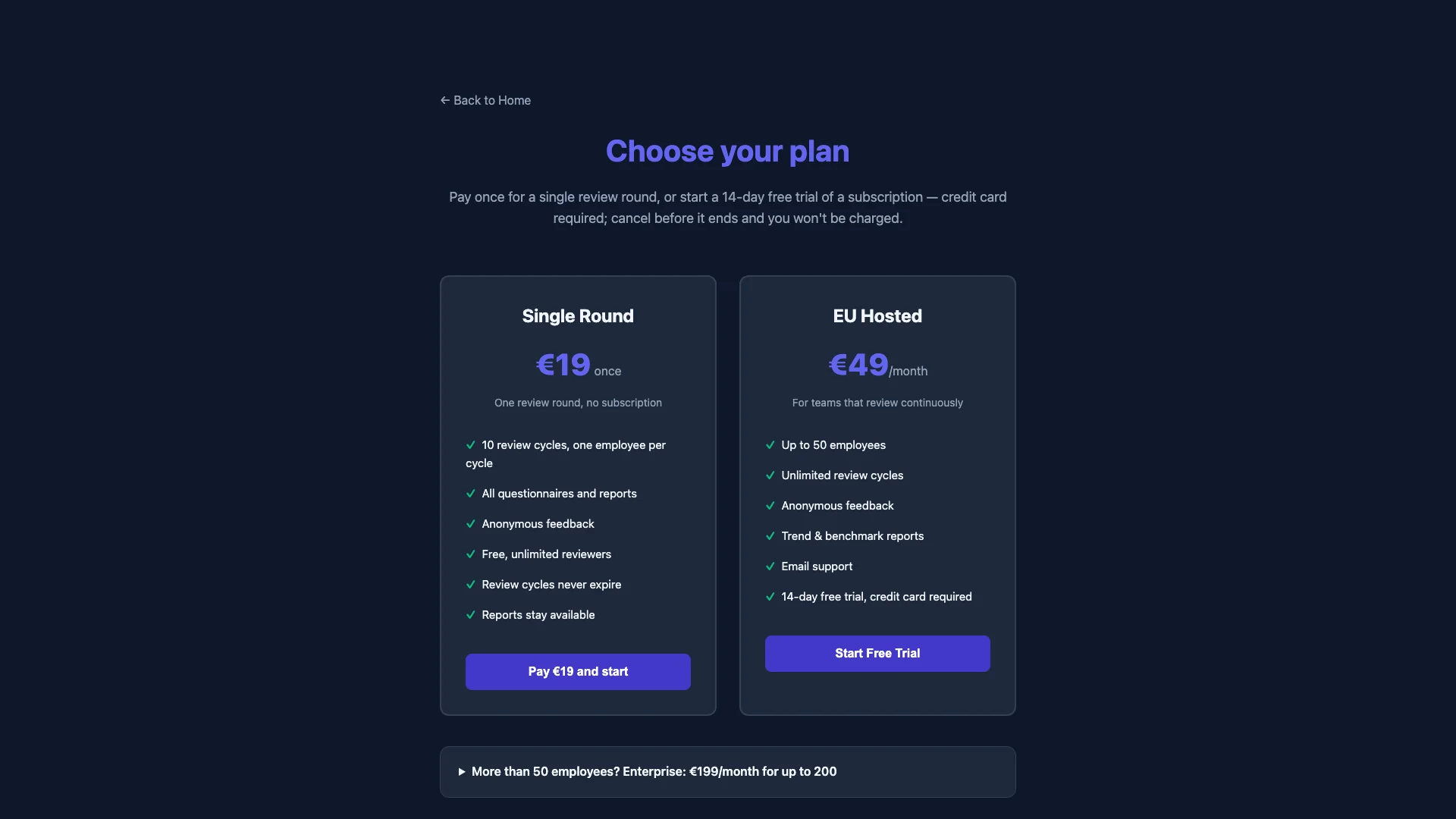
Pick a plan and pay with Stripe. You get an admin account and a welcome email.

  • One round costs €19. It covers up to 10 people.
  • A subscription starts with a 14-day free trial.
  • Or self-host the open source version for free.
Admin

Sees: Your own account. Nothing else exists yet.

Reviewee

Does not see: Nothing. Blik sends no email to your team at this step.
Reviewers

Does not see: Nothing.
The Blik sign-up page with the plan choice

Step 2 of 8

Set up your account and questionnaires

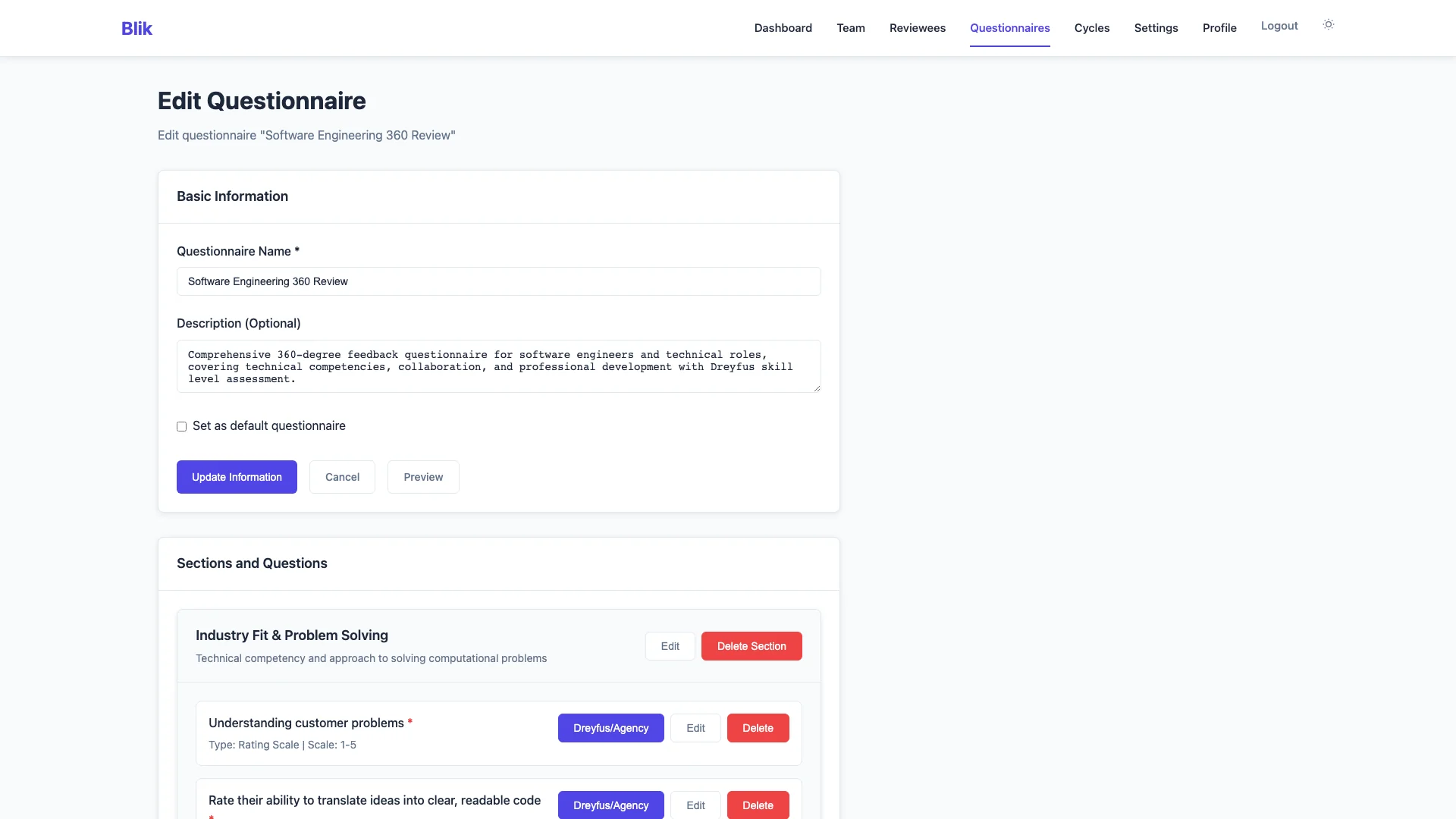
Name your company and choose how Blik sends email. Then pick a questionnaire.

  • Four questionnaires come with Blik. Use them as they are, or edit them.
  • Write your own with rating scales, multiple choice and free text.
  • Set the anonymity minimum. The default is 3 answers per group.
  • Choose if Blik sends the report to the reviewee when the round ends.
Admin

Sees: All settings and all questionnaires.

Reviewee

Does not see: Nothing yet. Your own questionnaires stay private to your organisation.

Reviewers

Does not see: Nothing yet.

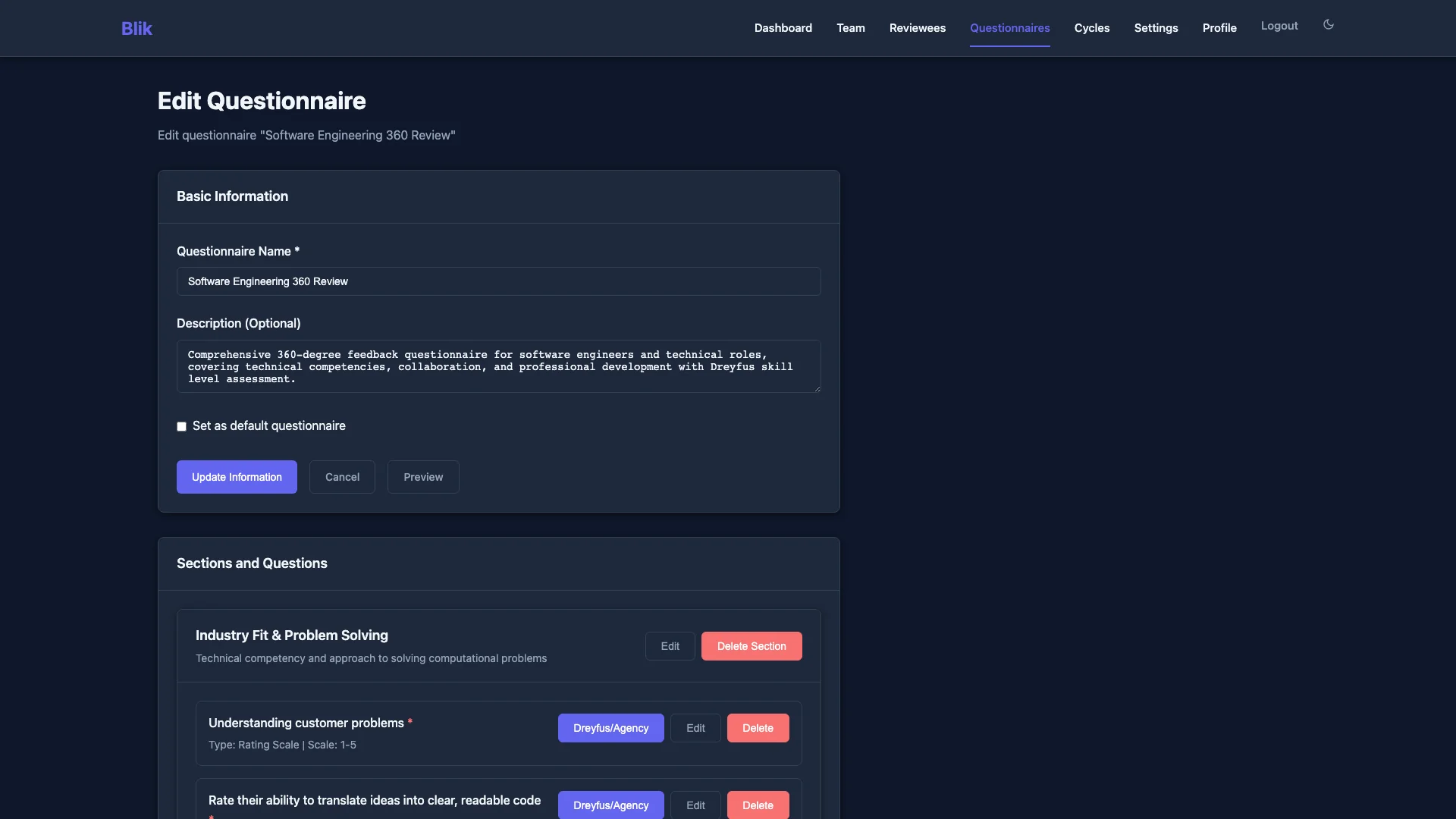
Editing a questionnaire in Blik

Step 3 of 8

Add your people

Add each reviewee with a name, an email and a department. Invite colleagues who help run Blik.

  • An organisation admin sees all reviewees and all reports.
  • A member can only start a round for themselves.
  • Reviewers do not need an account. They never appear in this list.
Admin

Sees: The list of reviewees and colleagues.

Reviewee

Does not see: Nothing. Adding a person sends no email.
Reviewers

Does not see: Nothing.
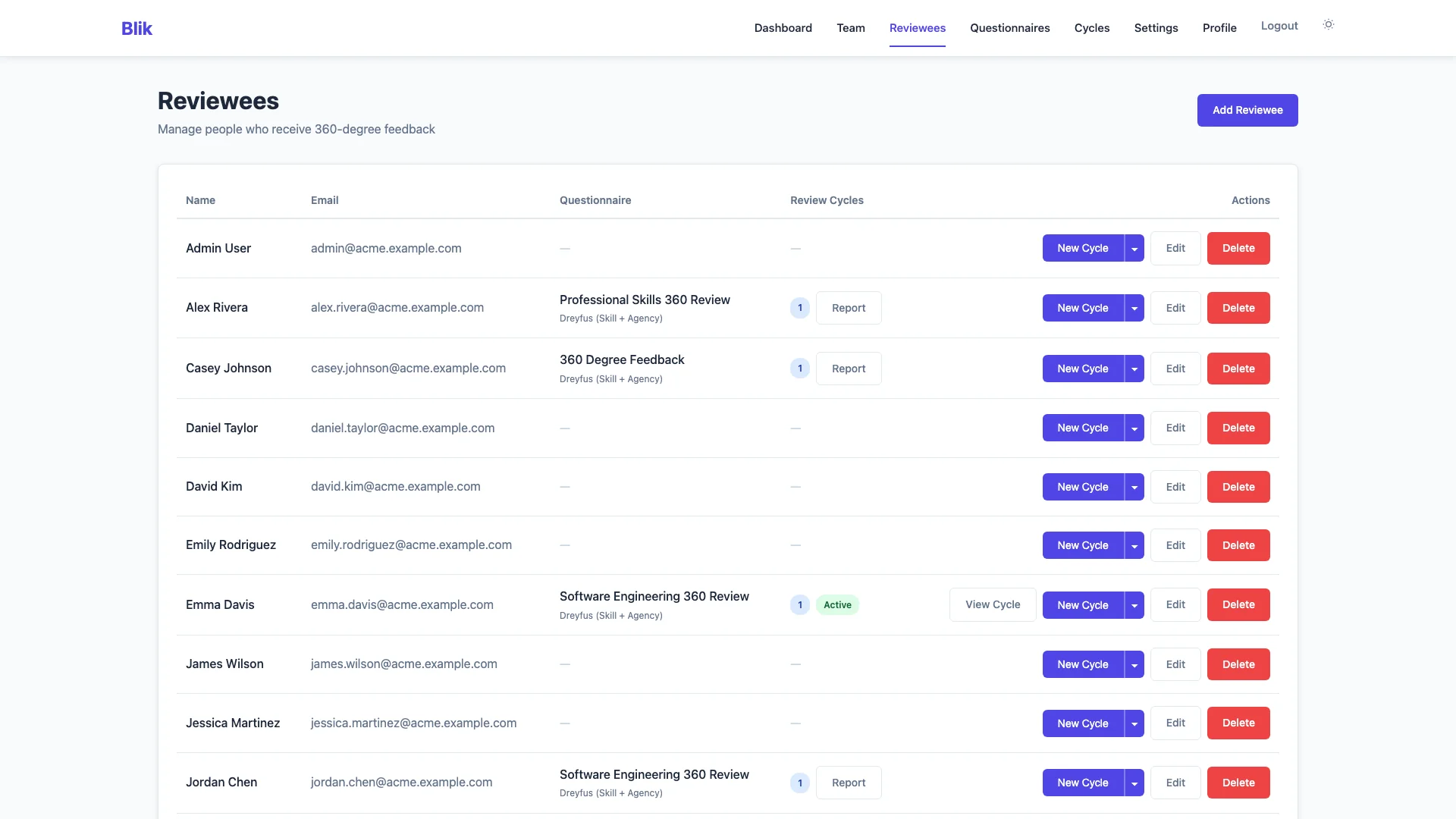
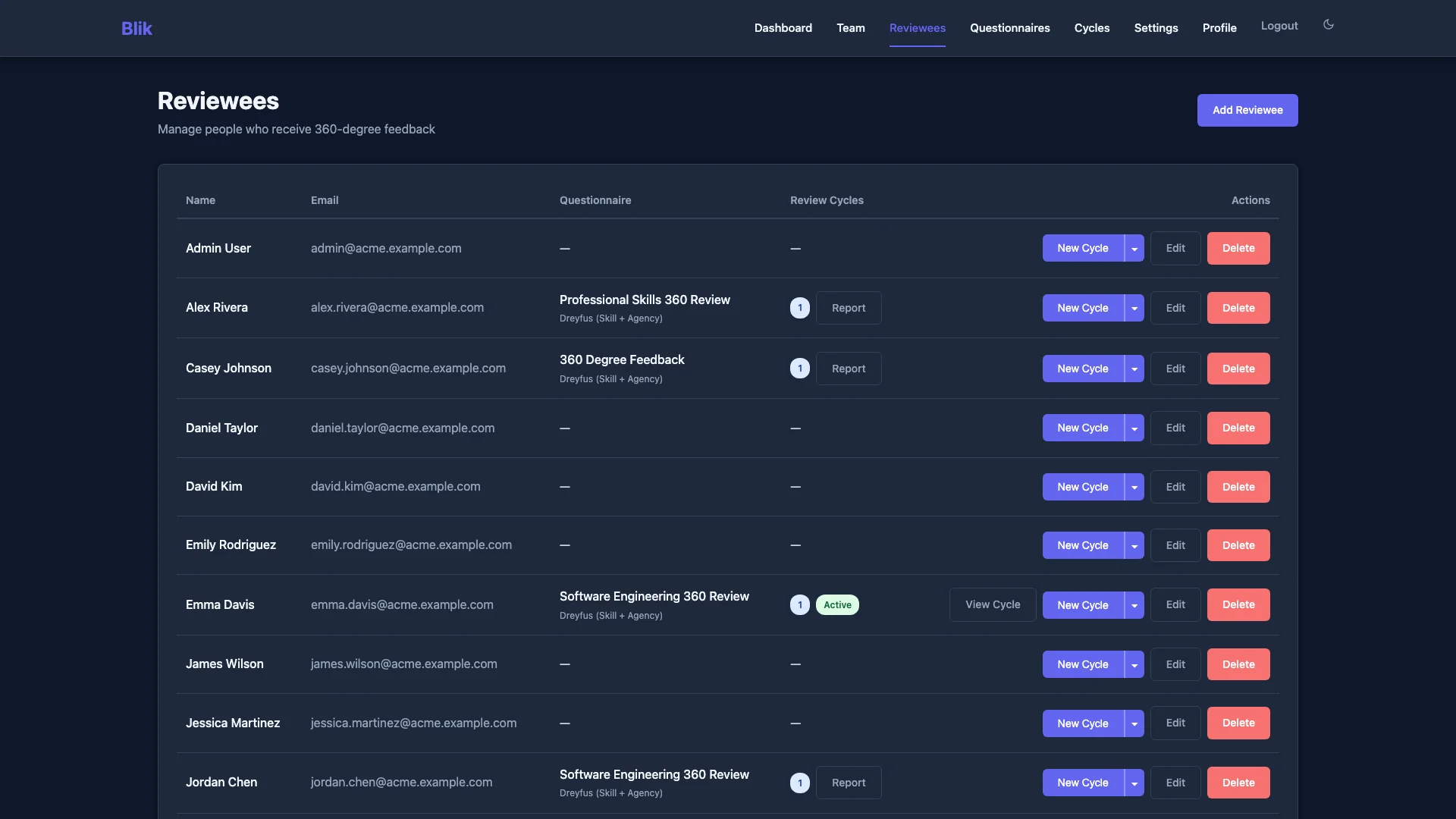
The reviewees page: each person with their questionnaire and rounds

Step 4 of 8

Start a review round

Pick a reviewee and a questionnaire. Then add reviewers by email, per group.

  • The groups are self, manager, peers and direct reports.
  • Start rounds for many reviewees at once with the same questionnaire.
  • Or skip the emails. Share one link per group, and each person who opens it gets a private link.
  • Send the invitations now or later. Send reminders from the round page.
Admin

Sees: Which invited emails have finished, and how many are open.

Does not see: What any reviewer answered. With share links, not even who answered.

Reviewee

Sees: An email that the round has started.

Does not see: Who you invited, unless you tell them.

Reviewers

Sees: An email with their private link.

Does not see: Who else got an invitation.

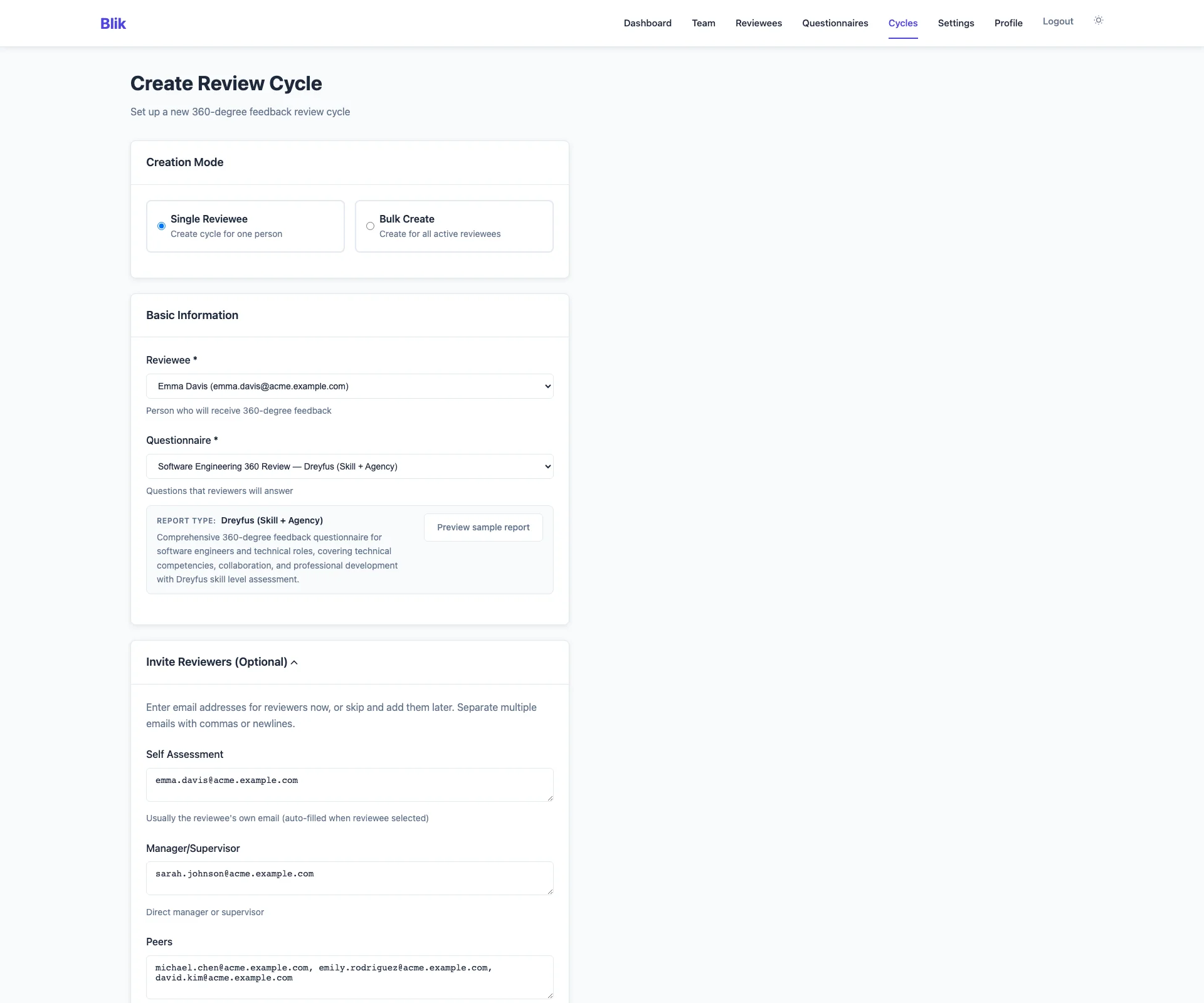
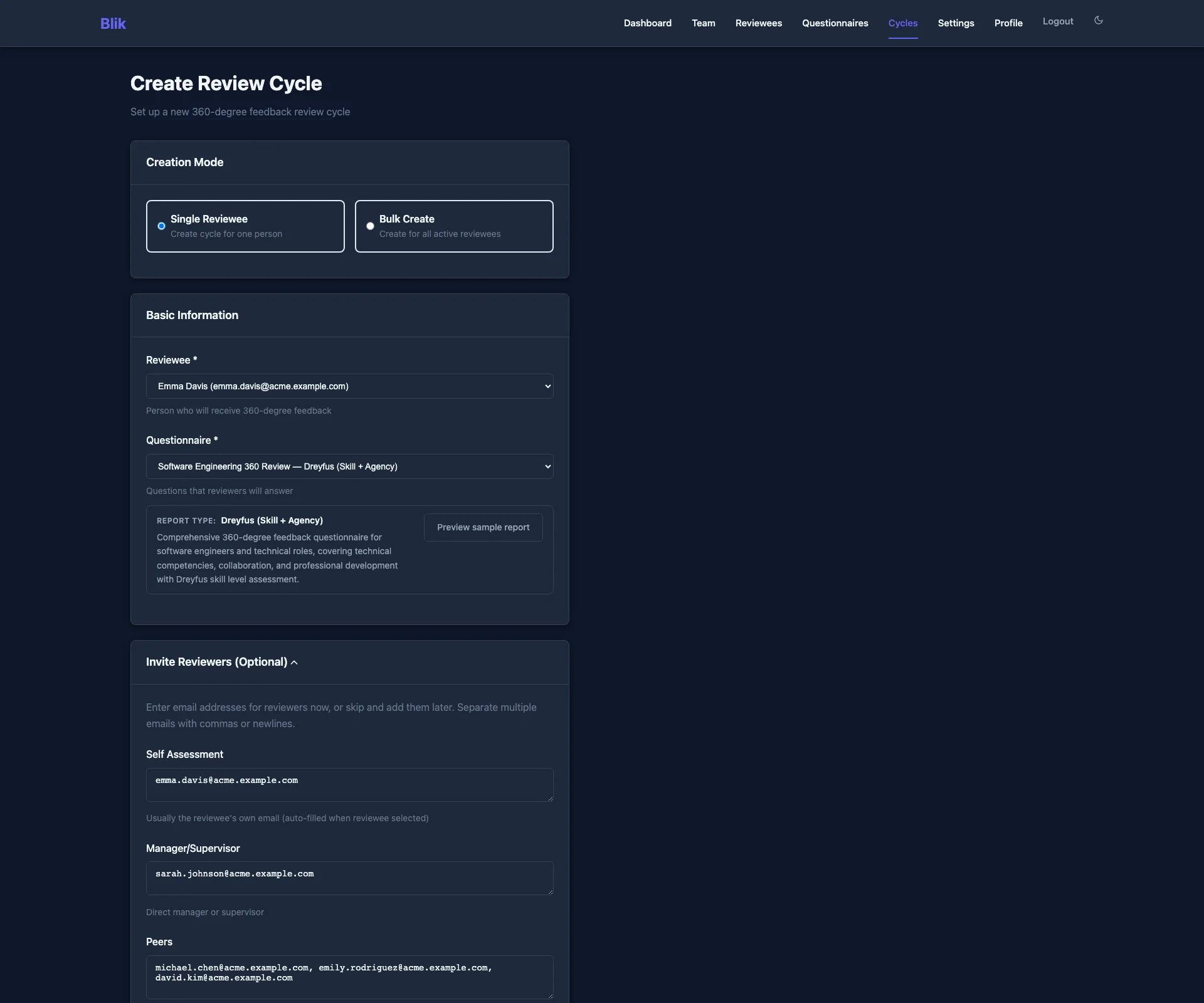
Creating a review round: reviewee, questionnaire and reviewer emails
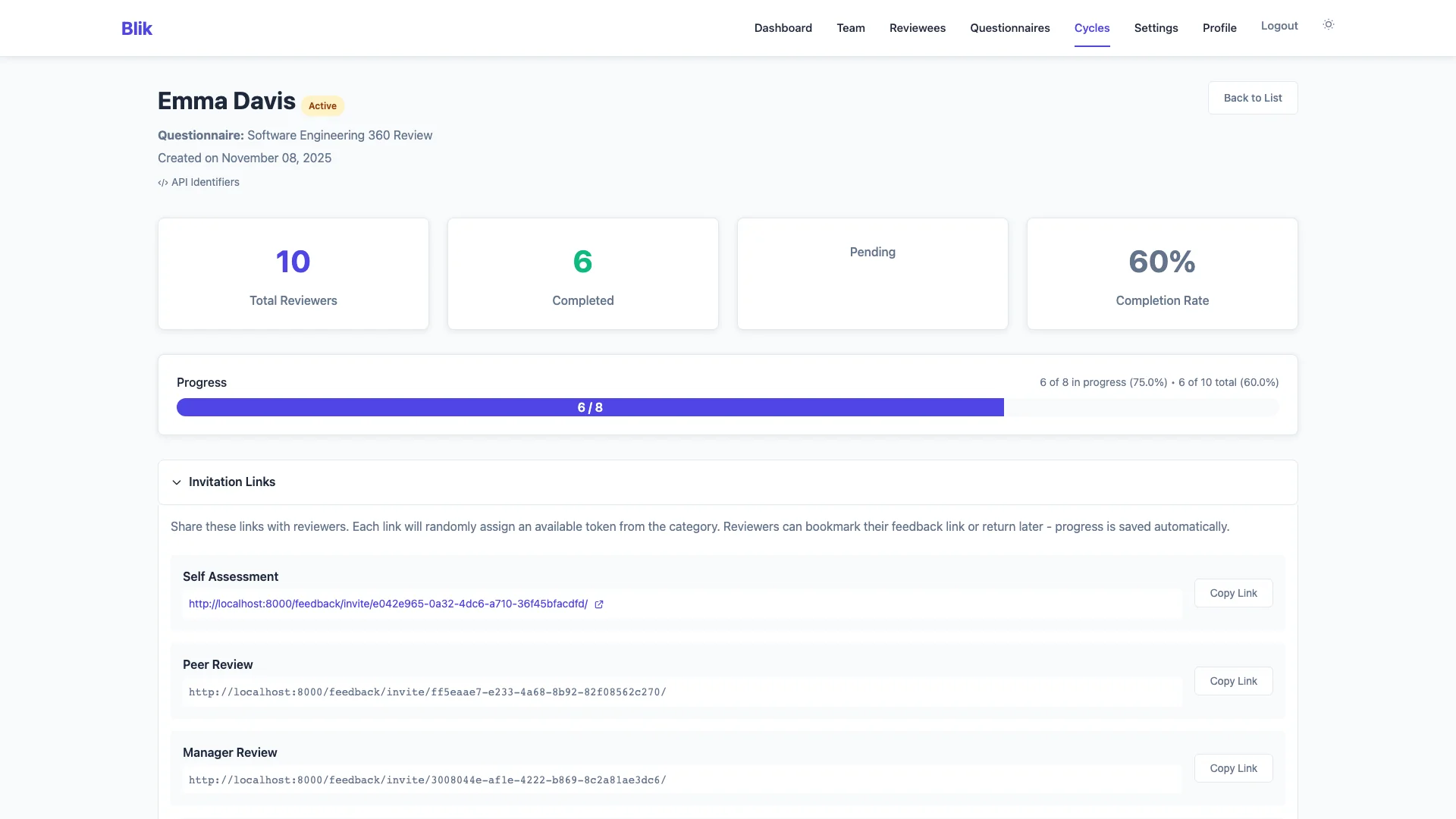
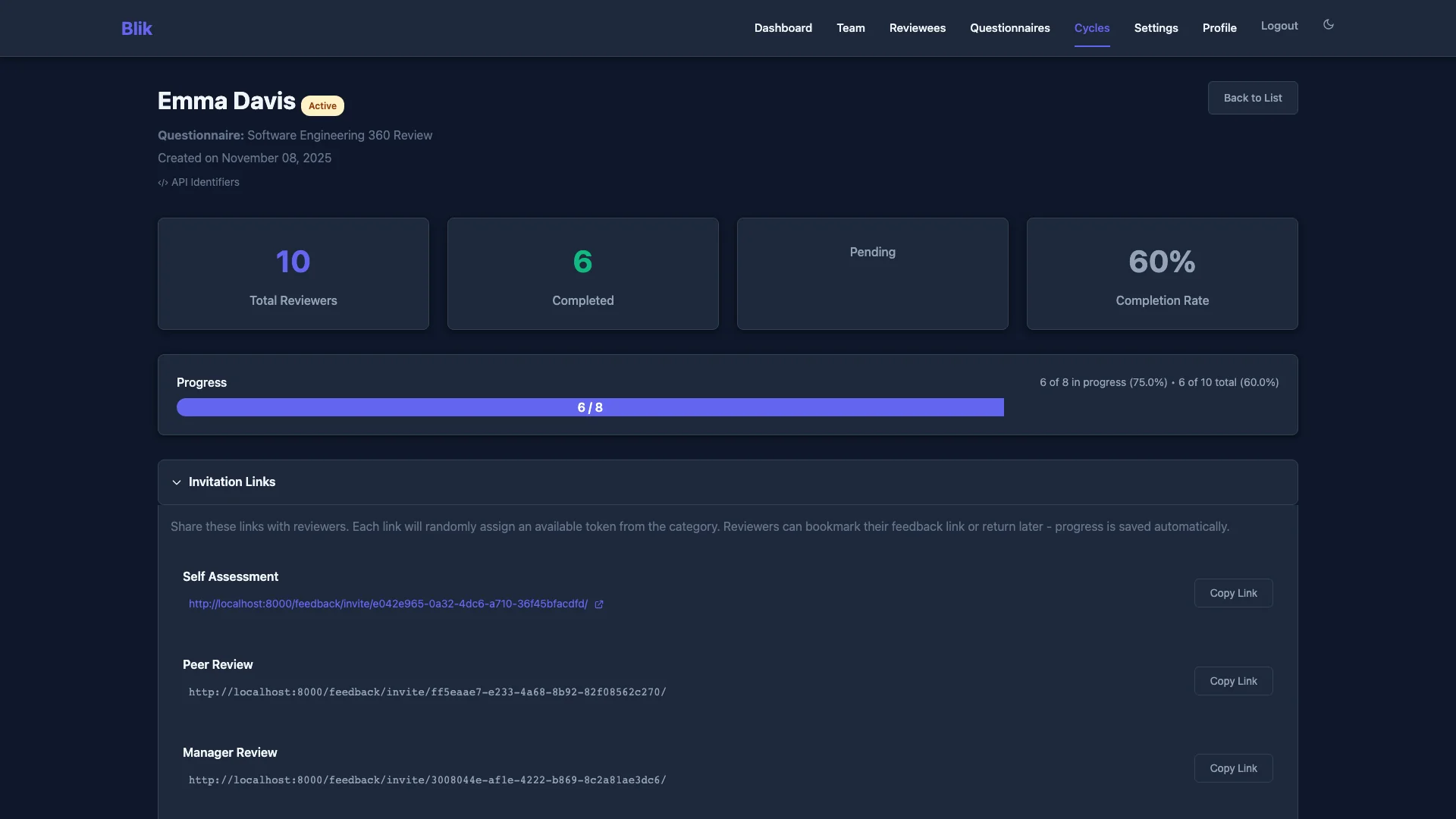
A running round: how many reviewers finished, and the invitation links
Part 2 of 3

The round runs

Reviewee and reviewers

Step 5 of 8

The reviewee gets an email

The reviewee gets a link to their self-assessment. They answer the same questions as everyone else.

  • No account and no password. The link is enough.
  • Progress saves. They can stop and come back.
  • After one week, Blik emails them how many reviews are done.
Admin

Sees: If the self-assessment is done.

Does not see: The self-assessment answers, until the report.

Reviewee

Sees: Their own questions and answers. A count of finished reviews.

Does not see: Any answer from a reviewer. Who has answered.

Reviewers

Does not see: The self-assessment.

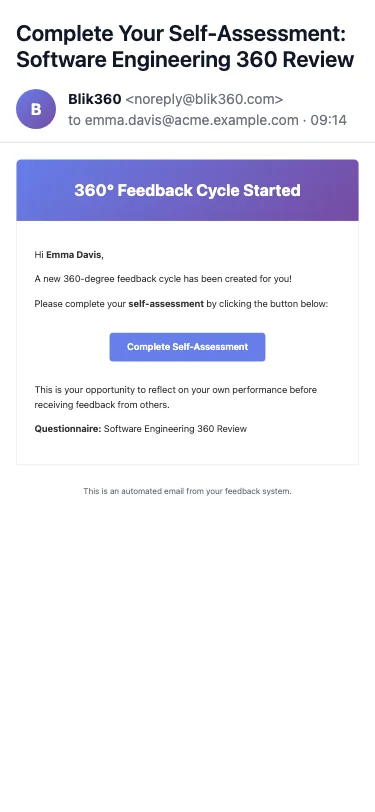
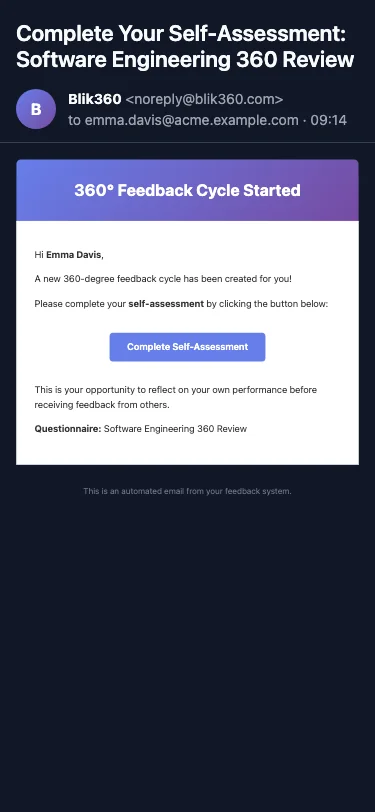
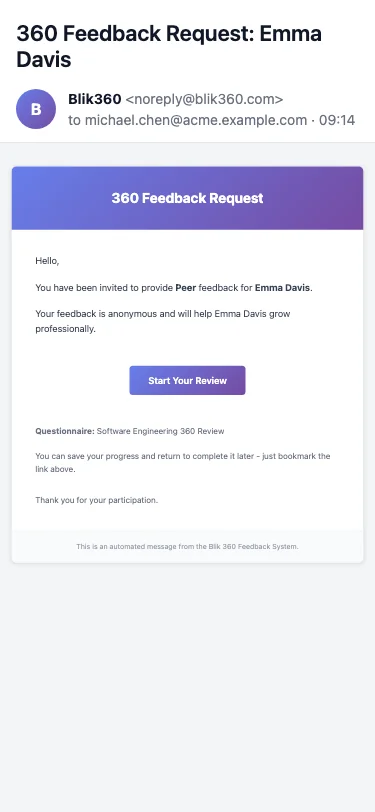
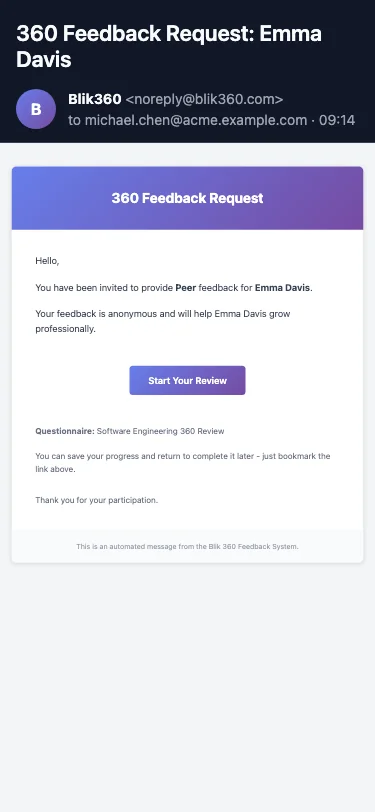
The self-assessment email on a phone
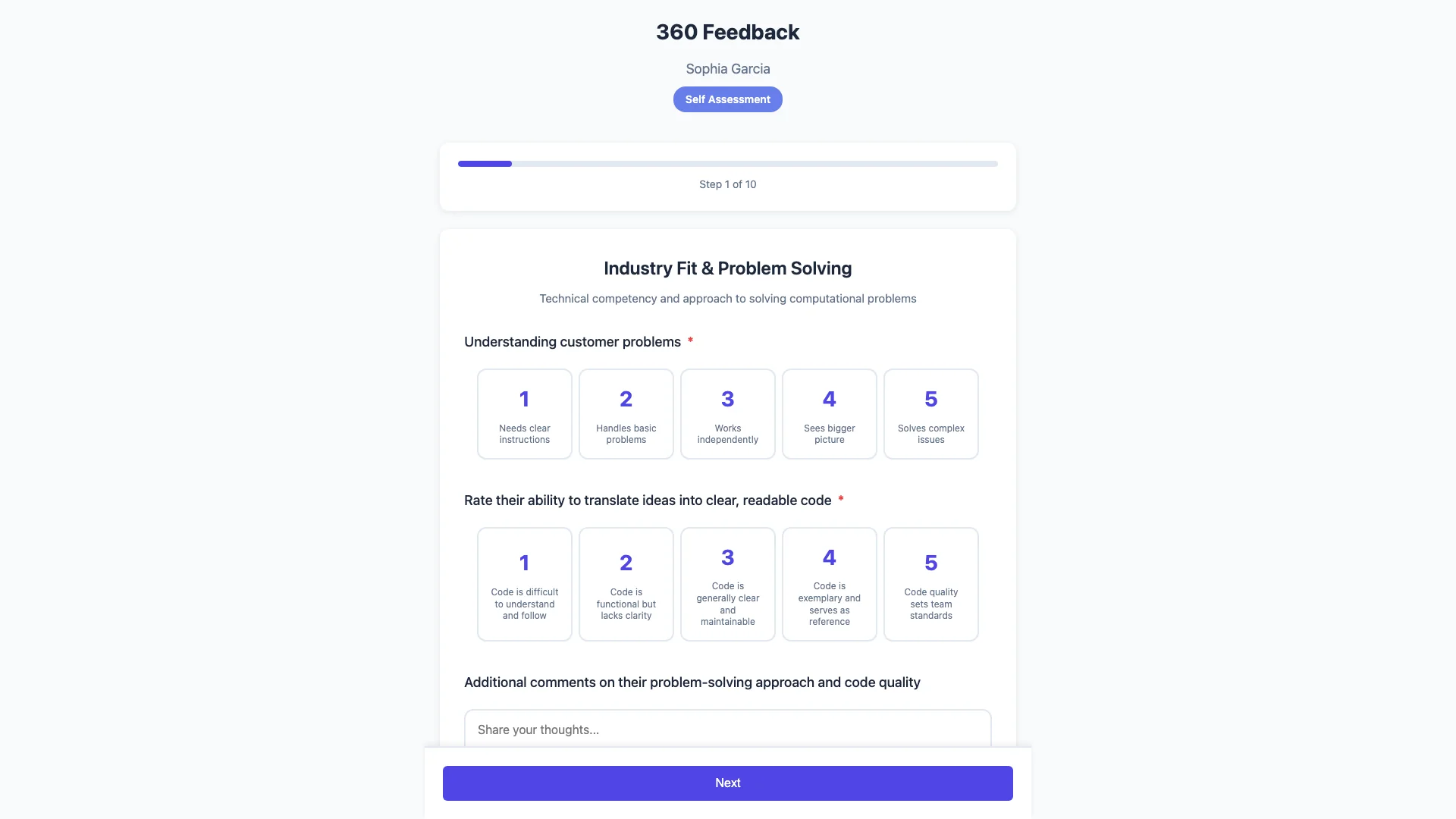
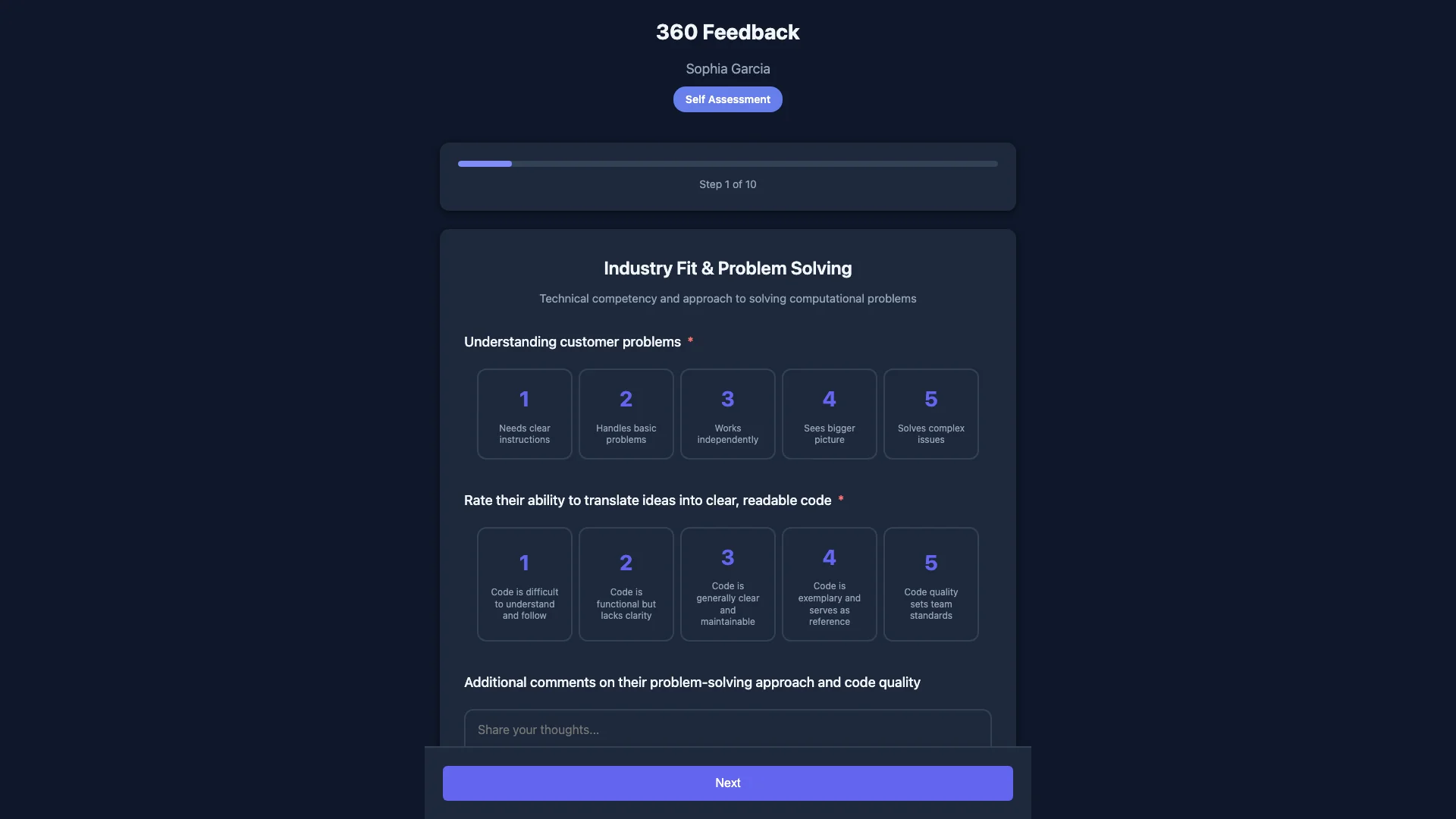
The self-assessment questionnaire in the browser

Step 6 of 8

Reviewers answer on their phone

Each reviewer gets an email with a private link. The questionnaire works on any phone.

  • No app to install and no account to make.
  • One section per screen. The answer buttons are large.
  • Progress saves. A field worker can finish in two breaks.
  • Answers are stored against the random link, not against a name.
Admin

Sees: That an invited email has finished.

Does not see: What that person answered.

Reviewee

Does not see: Who answered, and what one person answered.

Reviewers

Sees: Only their own answers.

Does not see: Other answers and the report.

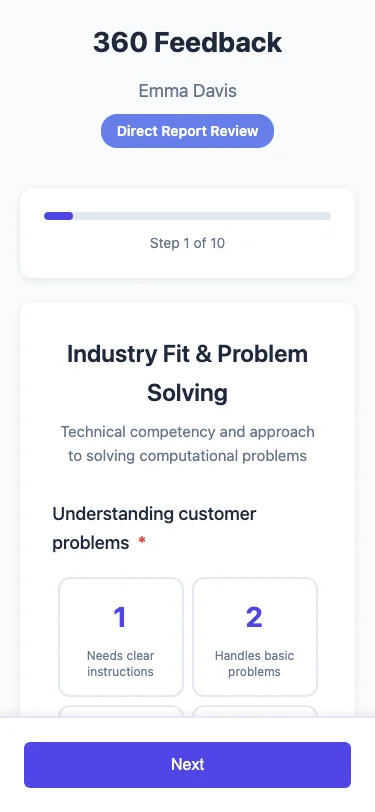
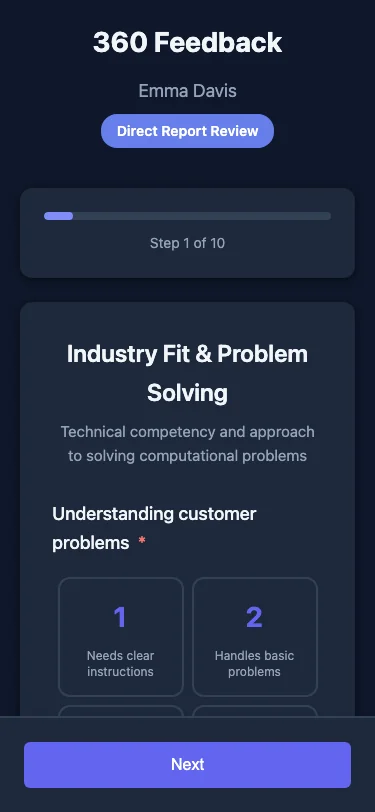
The reviewer invitation email on a phone
A reviewer answering questions on a phone
Part 3 of 3

You read the result

Reviewee and admin

Step 7 of 8

The report

The round closes when every invited reviewer has answered, or when you close it. Blik then makes the report.

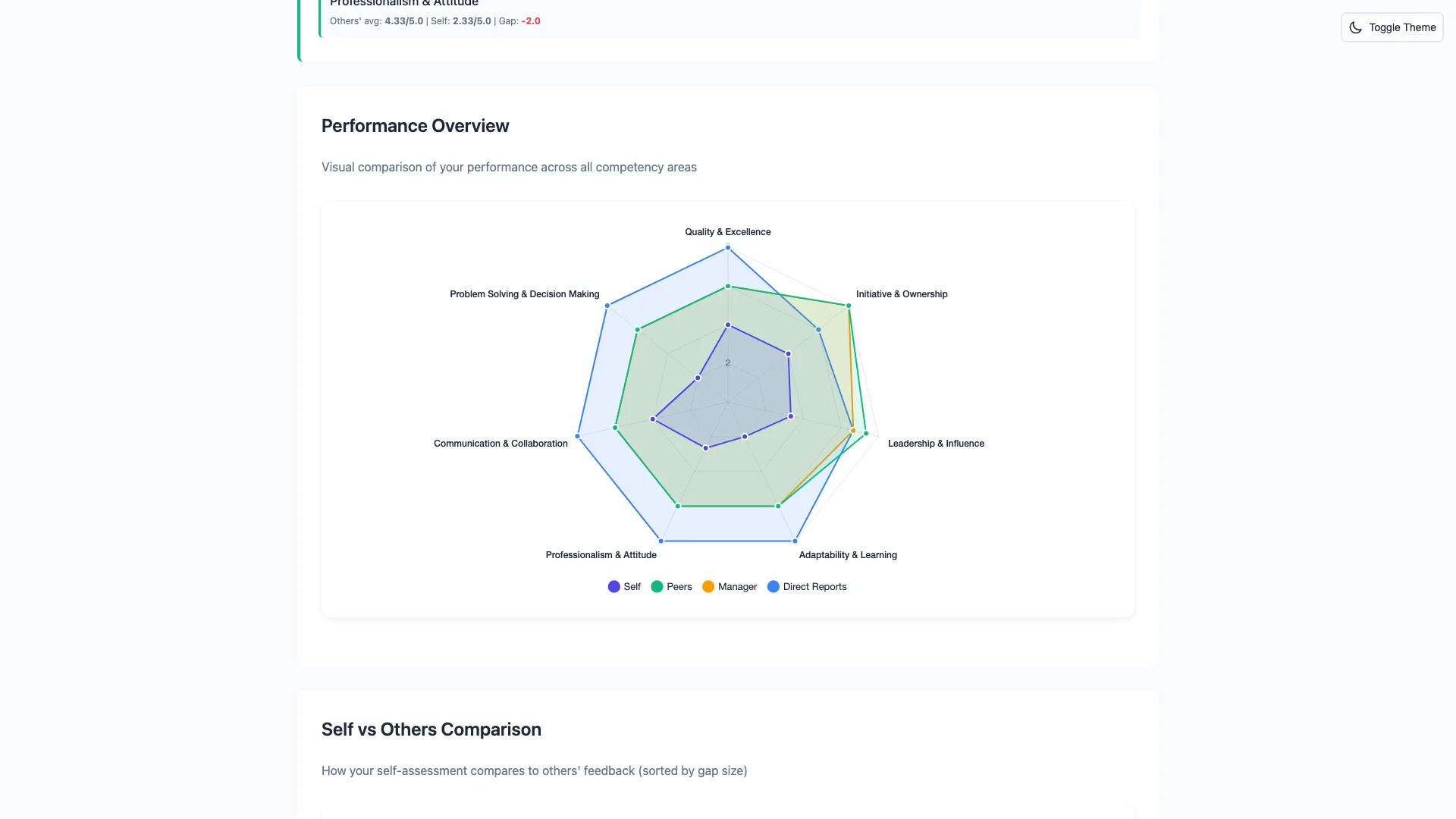
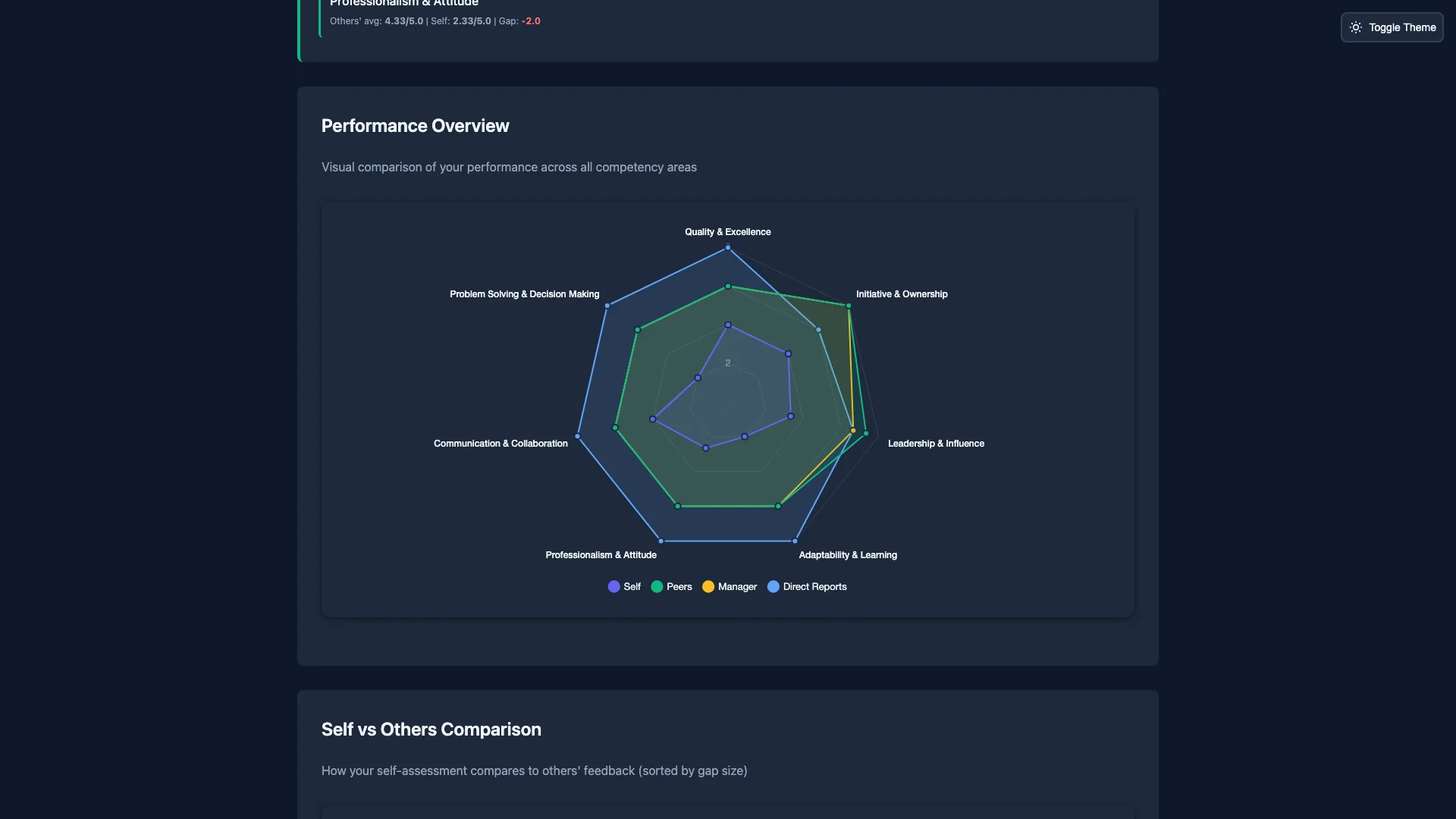
  • A radar chart compares self, manager, peers and direct reports.
  • The biggest gaps between self and others come first.
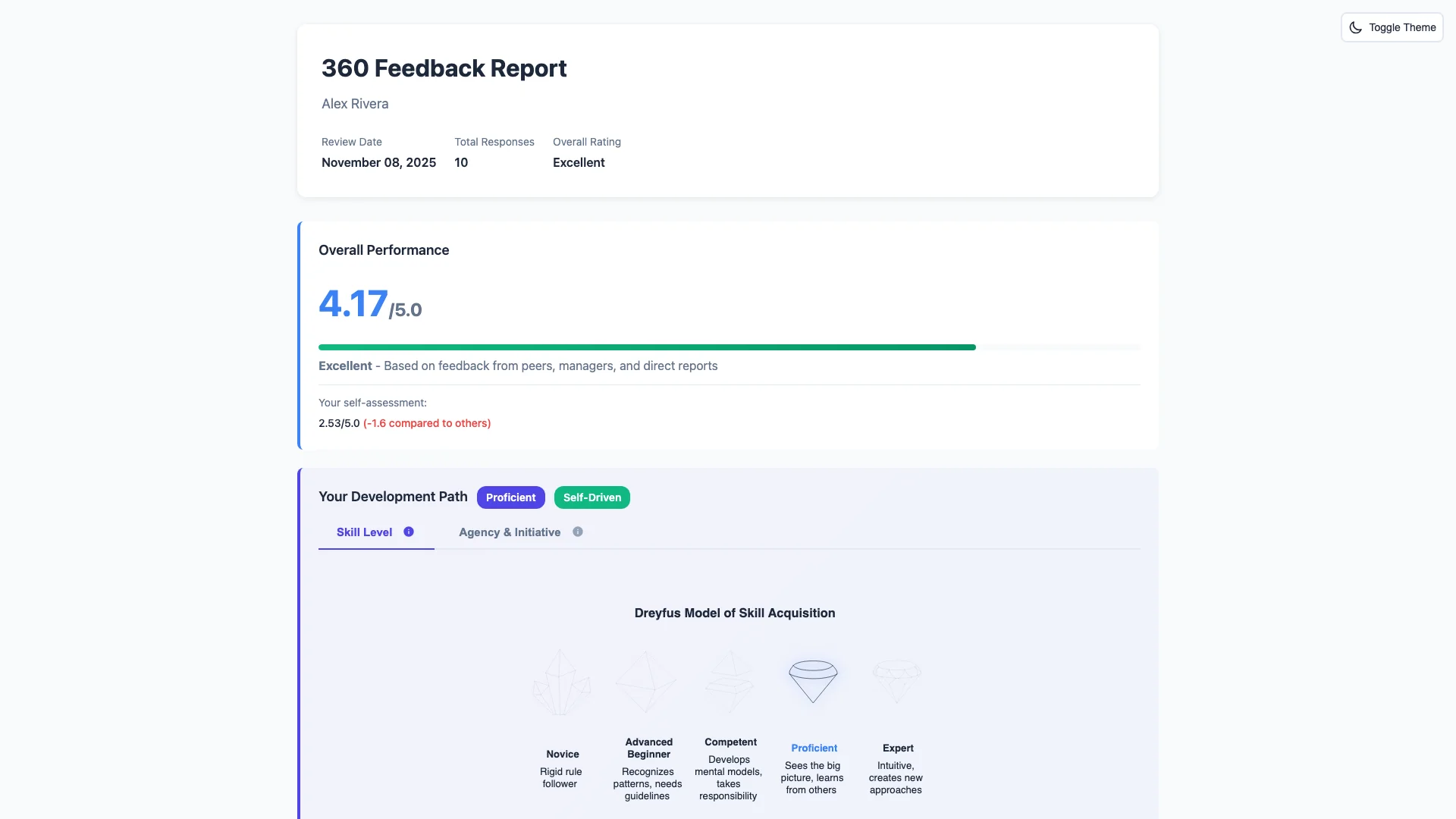
  • A skill level on the Dreyfus model and an initiative level on the five levels of agency.
  • Strengths, development areas and written comments.
Admin

Sees: The full report, grouped the same way.

Does not see: Which person gave which answer.

Reviewee

Sees: Their own report, through a private link. Answers are grouped: self, manager, peers, direct reports.

Does not see: Peer or direct-report detail and comments, if fewer than 3 people in that group answered.

Reviewers

Does not see: The report.

The manager group is not pooled with others. If one manager answers, the reviewee knows those answers are from their manager. Overall scores and charts use all answers.

A radar chart comparing self, peer, manager and direct report ratings
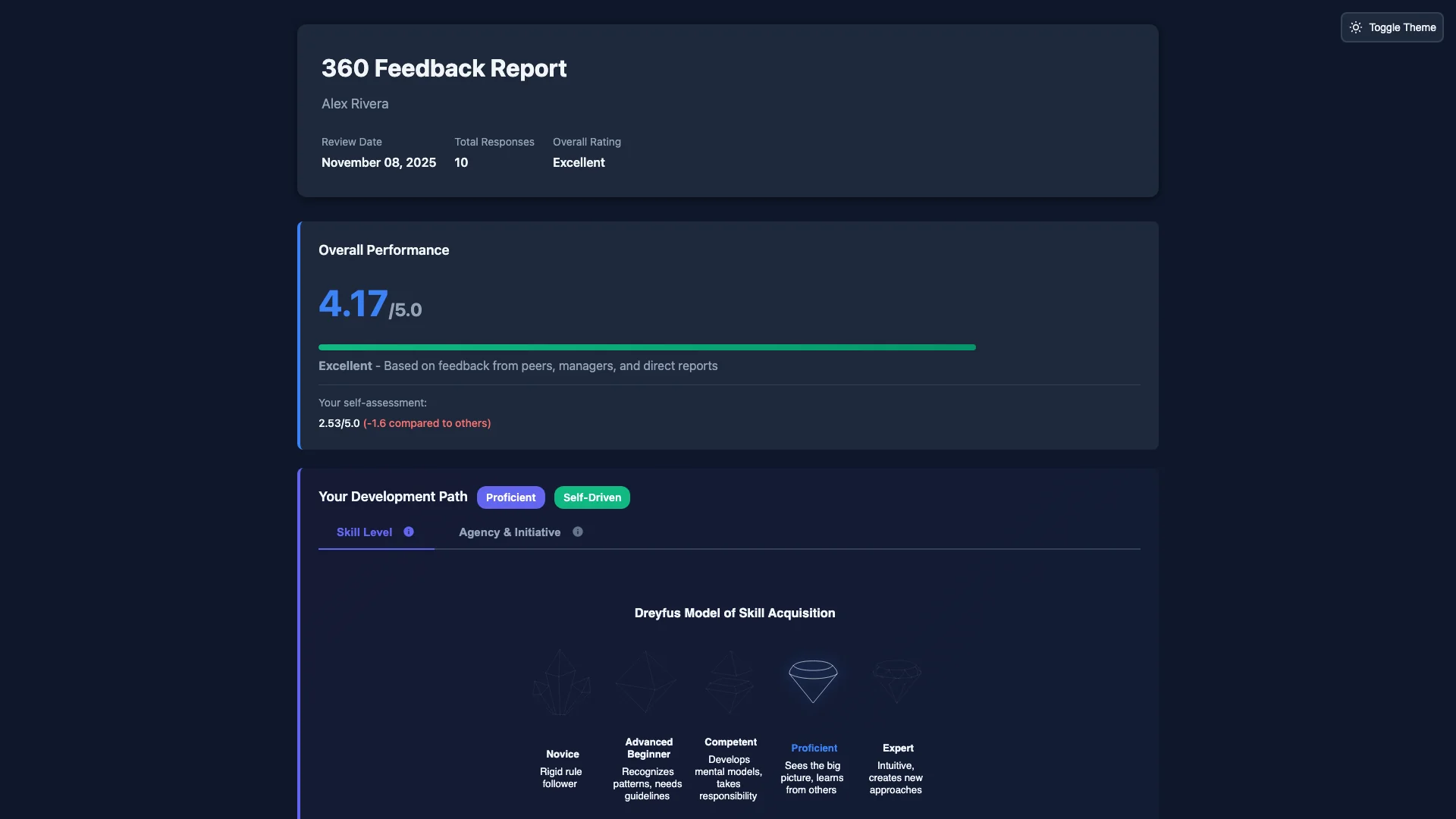
Report overview: overall score, self-assessment gap and skill level

Step 8 of 8

The manager view

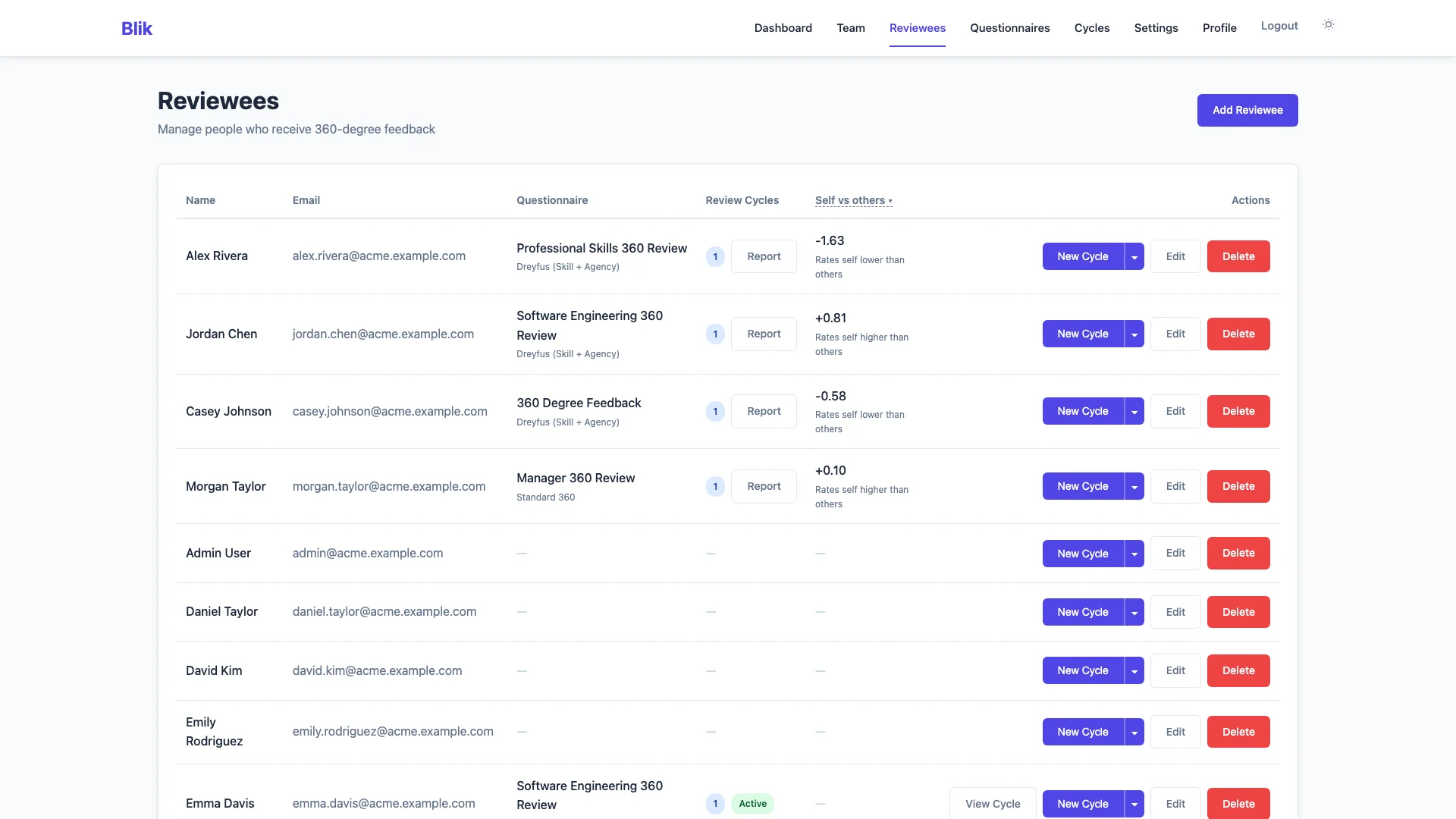
Admins open every report from one place. The reviewees page shows where each person differs most from how others see them.

  • One row per reviewee, with the gap between self and others.
  • The largest gaps come first, so you know who to talk to first.
  • Open a row to go to that person's report.
Admin

Sees: All reports in the organisation, and the gap per person.

Does not see: Any single reviewer's answers.

Reviewee

Sees: Only their own report.

Does not see: Other people's reports and the overview.

Reviewers

Does not see: The overview and the reports.

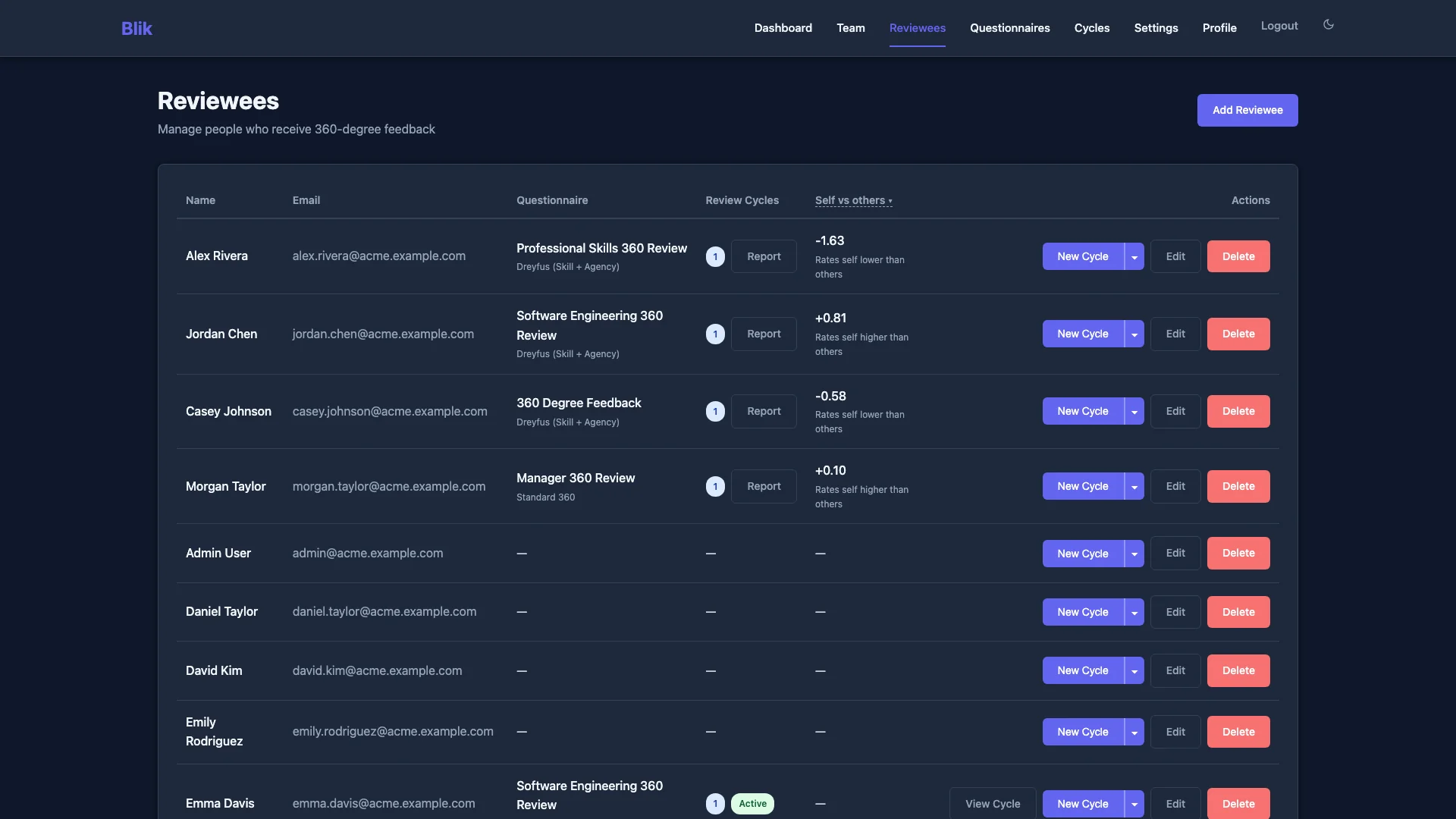
Overview of all reviewees, sorted by the gap between self-assessment and others
Thijs de Zoete

Built by a founder who needed it

Thijs de Zoete runs Tinify, an image optimisation company. He wanted honest 360° feedback for his team. The tools he found cost €15,000 to €18,000 a year for 50 people, and kept the feedback on someone else's servers.

So he built Blik: open source, simple to run, with the price on the website. He uses it with his own team.

Thijs de Zoete, founder

Read why Thijs built Blik

Try it with your own team

Run one round

€19, once

One hosted round for up to 10 people. No subscription. Reviewers are free.

Run a round for €19

Start a free trial

14 days free

Then €49 a month for up to 50 people. A credit card is required.

Start the trial

Talk to Thijs

No sales team

Ask how Blik fits your company. You talk to the person who built it.

Contact Thijs